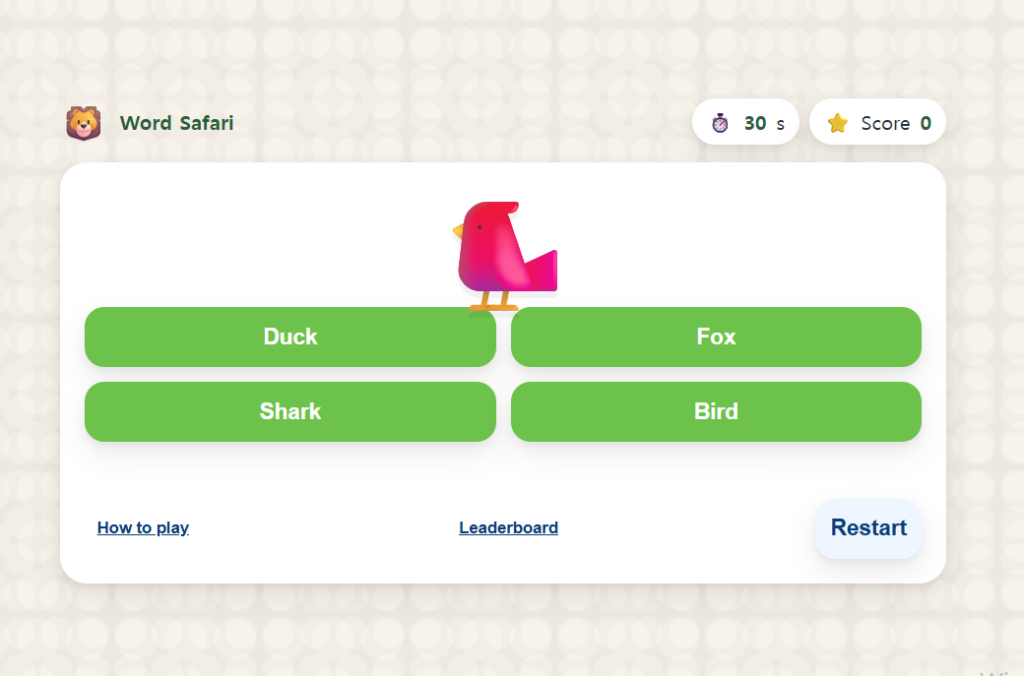
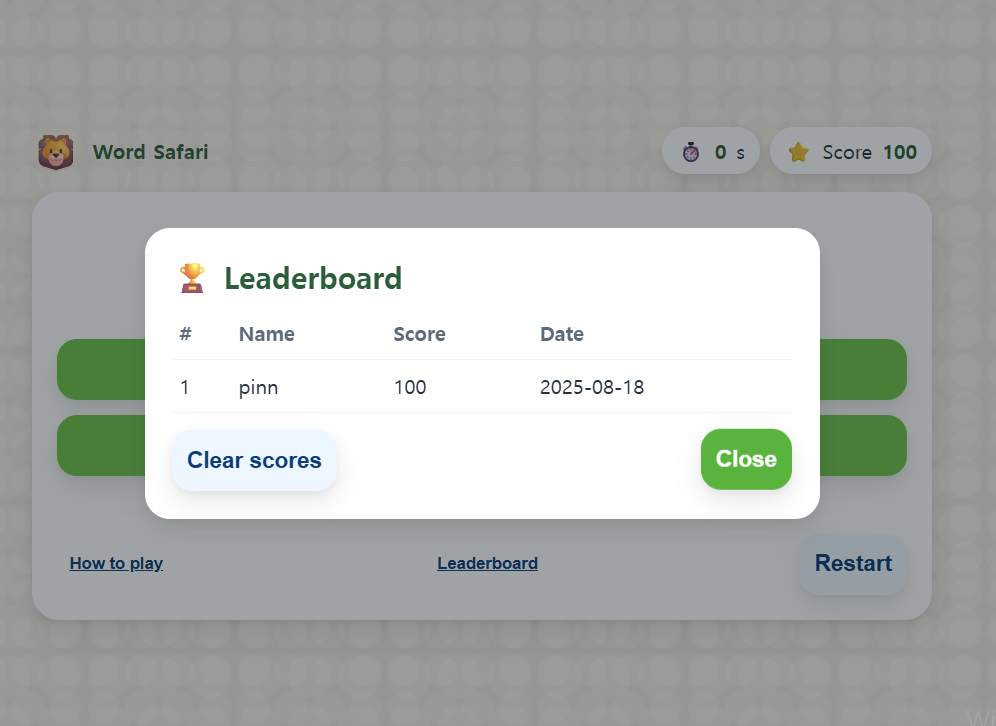
Word Safari is a cute, fast English animal vocabulary game for Grades 1–3. Kids match animal emojis to the correct English words in 30 seconds, earn points (+100 / −100, min 0), and save their best score to a local leaderboard. It’s free, browser-based, and perfect for quick practice at home or in class.
How to Play the Animal Vocabulary Game
- Look at the animal emoji on the card.
- Tap the correct English word from the four choices.
- You have 30 seconds—score as much as you can!
- +100 for correct, −100 for wrong (minimum score 0).
Why Kids Love This Animal Vocabulary Game
- Adorable design: big buttons, friendly colors, and cute animal emojis keep kids engaged.
- Short & focused: 30-second rounds fit warm-ups and brain breaks.
- Motivating: instant feedback and a local leaderboard promote replay.
- Classroom-friendly: no sign-ups or downloads—just press Start.
Learning Targets & Skills
- Animal vocabulary recognition (lion, elephant, giraffe, panda, fox, turtle, etc.).
- Sight-word exposure and spelling reinforcement through quick choices.
- Fast decision-making and attention in English.
Best Use Cases in Class
- Warm-up or cool-down activities (1–3 minutes).
- Learning centers or early finisher tasks on tablets or laptops.
- Home practice for ESL/EFL learners who need quick vocabulary review.
Teacher Tips for the Animal Vocabulary Game
- Project and play: run a quick whole-class round and let students answer on whiteboards.
- Pair work: one student reads the word aloud, the other chooses—swap roles every question.
- Track progress: ask students to record their top score and one new word they learned.
FAQ: Word Safari (Animal Vocabulary Game)
Is the game free and safe for classroom use?
Yes. It’s a free browser game with no sign-ups or student data collection. Just open and play.
Does it work on mobile devices?
Yes. It’s responsive and works on recent phones, tablets, and laptops. For the best experience, use landscape mode on tablets.
How can I extend learning after the game?
Use the vocabulary list to build mini-quizzes, spelling practice, or drawing prompts. Have students write two sentences using today’s animal words.
Play Word Safari now and add it to your lesson plans. For more learning activities, visit Game4Learn (internal link).